Zoho Campaigns Review 2025: Worth It or Not?
Zoho Campaigns sits somewhere in the middle of the email marketing pack — not flashy, but it gets things done. If you’re already deep in the Zoho world, it probably makes perfect sense. But what if you’re starting fresh? I’ve spent time with the platform and read through hundreds of user experiences to figure out if this email platform deserves a spot in your marketing toolkit.
What is Zoho Campaigns?
Zoho Campaigns handles your email marketing and SMS campaigns, but it’s really part of something bigger. Think of it as one piece of Zoho’s massive business puzzle — they’ve got CRM, accounting, project management, and about 40 other apps all talking to each other.
Here’s what makes it different: everything connects. If you’re using Zoho CRM to track customers, Campaigns pulls that data without any of the usual export-import headaches. Your email list automatically updates when someone becomes a customer. Your sales team can see which emails actually led to deals.
But here’s the thing — you don’t need to buy into the whole Zoho universe to use it. The platform works fine on its own with drag-and-drop builders, automation, and decent analytics. The real question is whether it can compete with tools built specifically for email marketing.
Zoho Campaigns Key Features
Setting up campaigns feels straightforward, though nothing here will blow you away. You get the basics: scheduling, A/B testing for subject lines, and audience targeting. The setup process follows a logical path that most people can figure out without much training.
The bulk sending works reliably — something users consistently praise. One reviewer mentioned: “Zoho Campaigns enables me to schedule and send mass messages to customers in real-time.” The system even optimizes send times based on recipient time zones, which is a nice touch.
What’s missing? Advanced stuff like dynamic content or sophisticated behavioral triggers. It covers the fundamentals well but doesn’t push any boundaries.
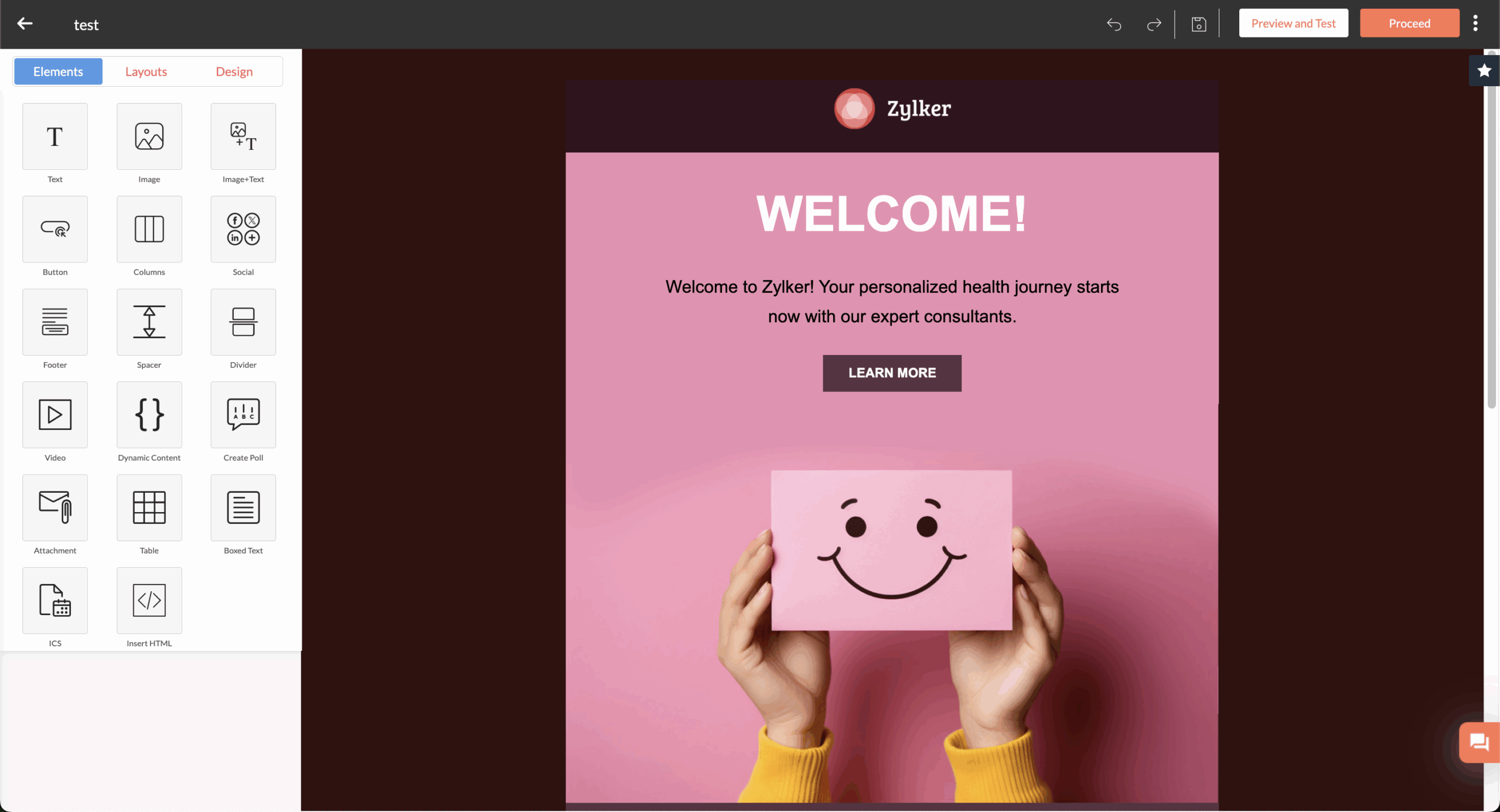
The template library covers the basics across different industries. Everything’s responsive, so your emails look decent whether someone opens them on their phone or desktop. You can customize colors, fonts, and layouts to match your brand without too much fuss.
But don’t expect to create stunning designs here. Users mention that the template editor “can sometimes cause issues with spacing” and takes patience to get emails looking exactly right. The organization could be better too — you see all your templates at once instead of neat folders.
For simple, professional emails, it works. For companies obsessing over email design, you’ll probably feel constrained.
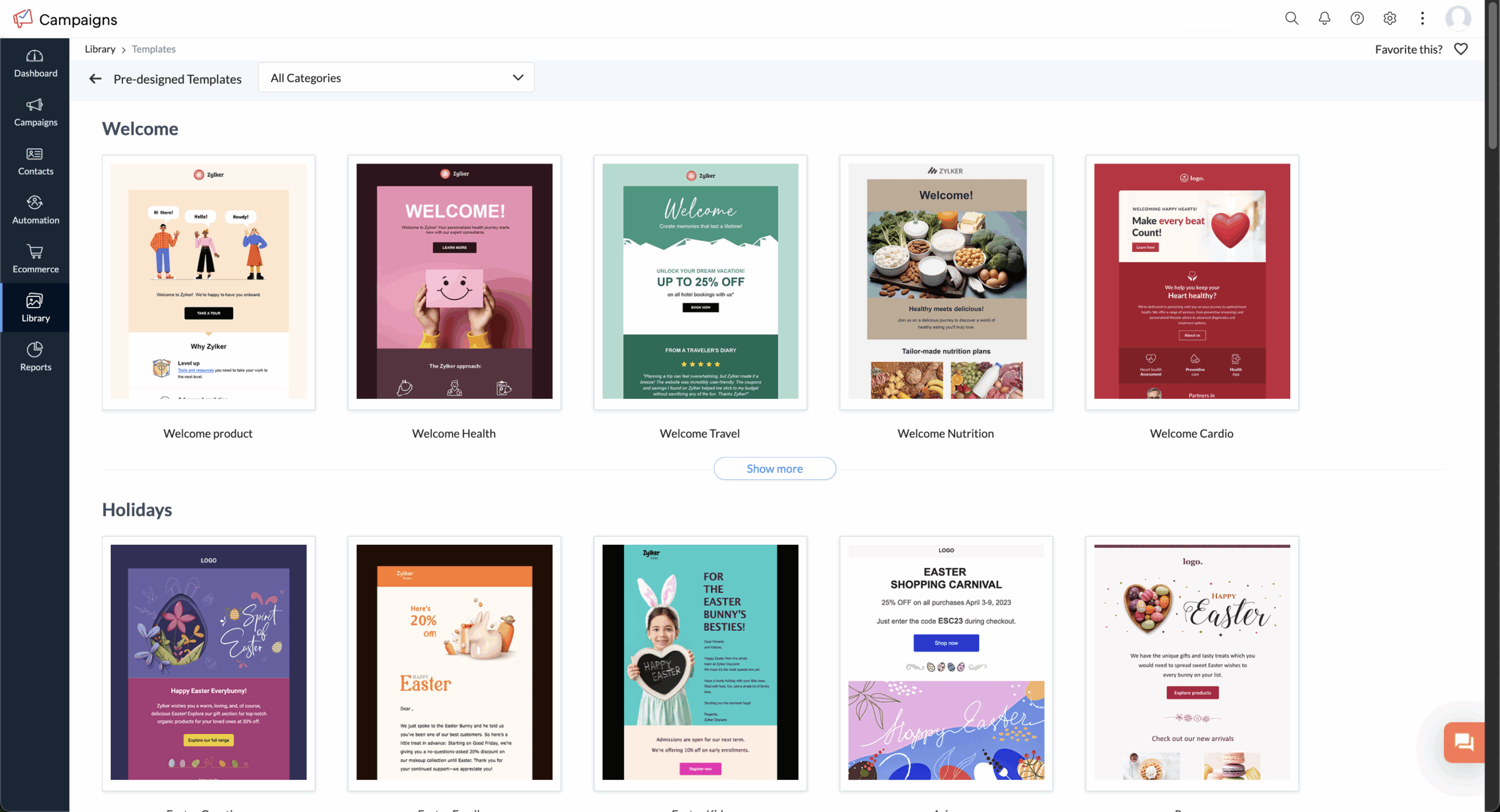
Email automation covers essential workflows but lacks the sophistication you’d find in dedicated platforms. You can set up welcome sequences, cart abandonment emails, and basic drip campaigns. The builder uses drag-and-drop, though users report it can be “difficult to work with.”
The platform offers pre-built templates for common scenarios like onboarding new customers. But complex conditional logic? Advanced behavioral triggers? Not really Zoho’s strong suit.
For basic automation needs, it gets the job done. If you’re planning sophisticated, multi-branch workflows, you’ll probably need something more powerful.
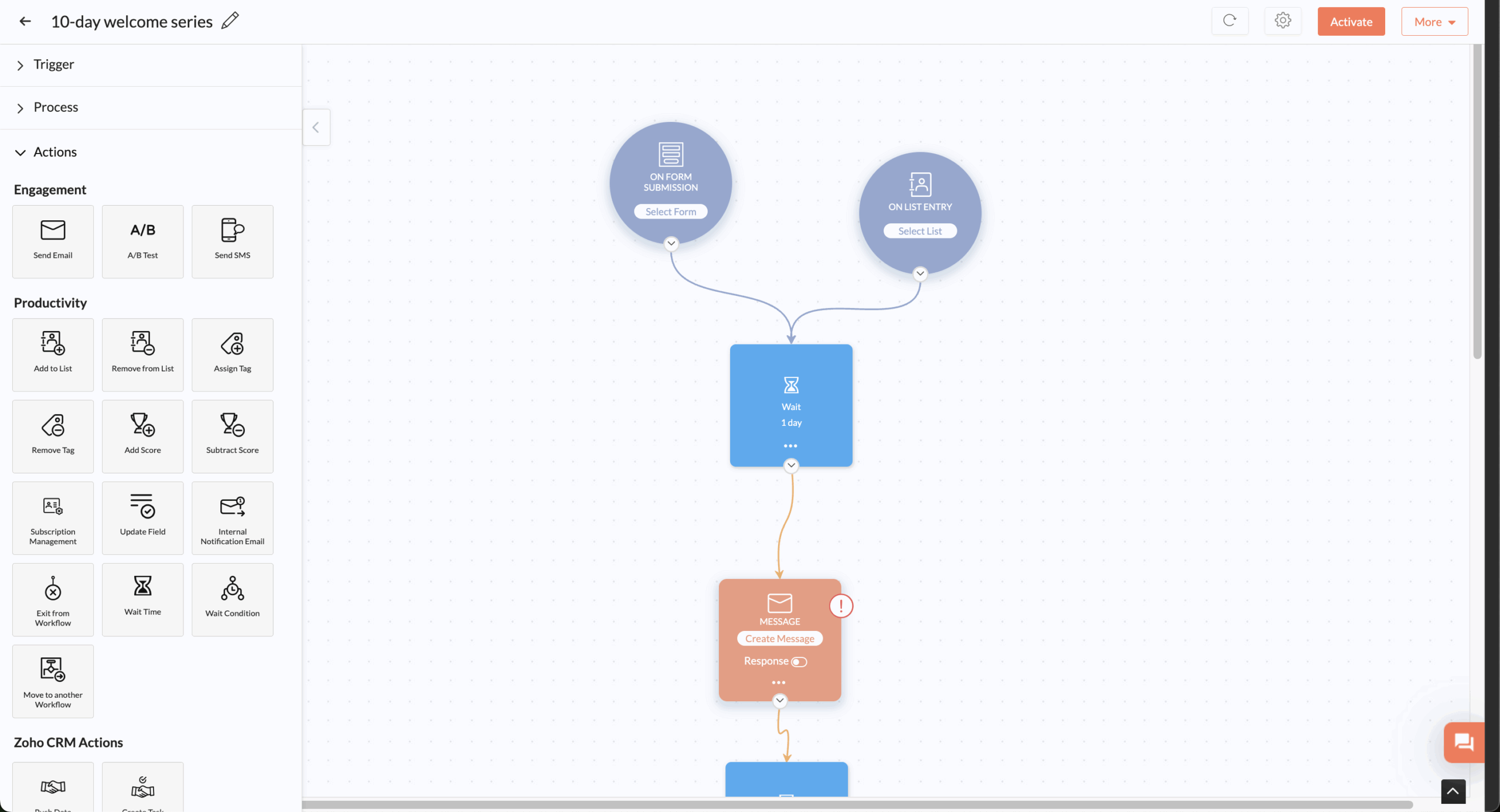
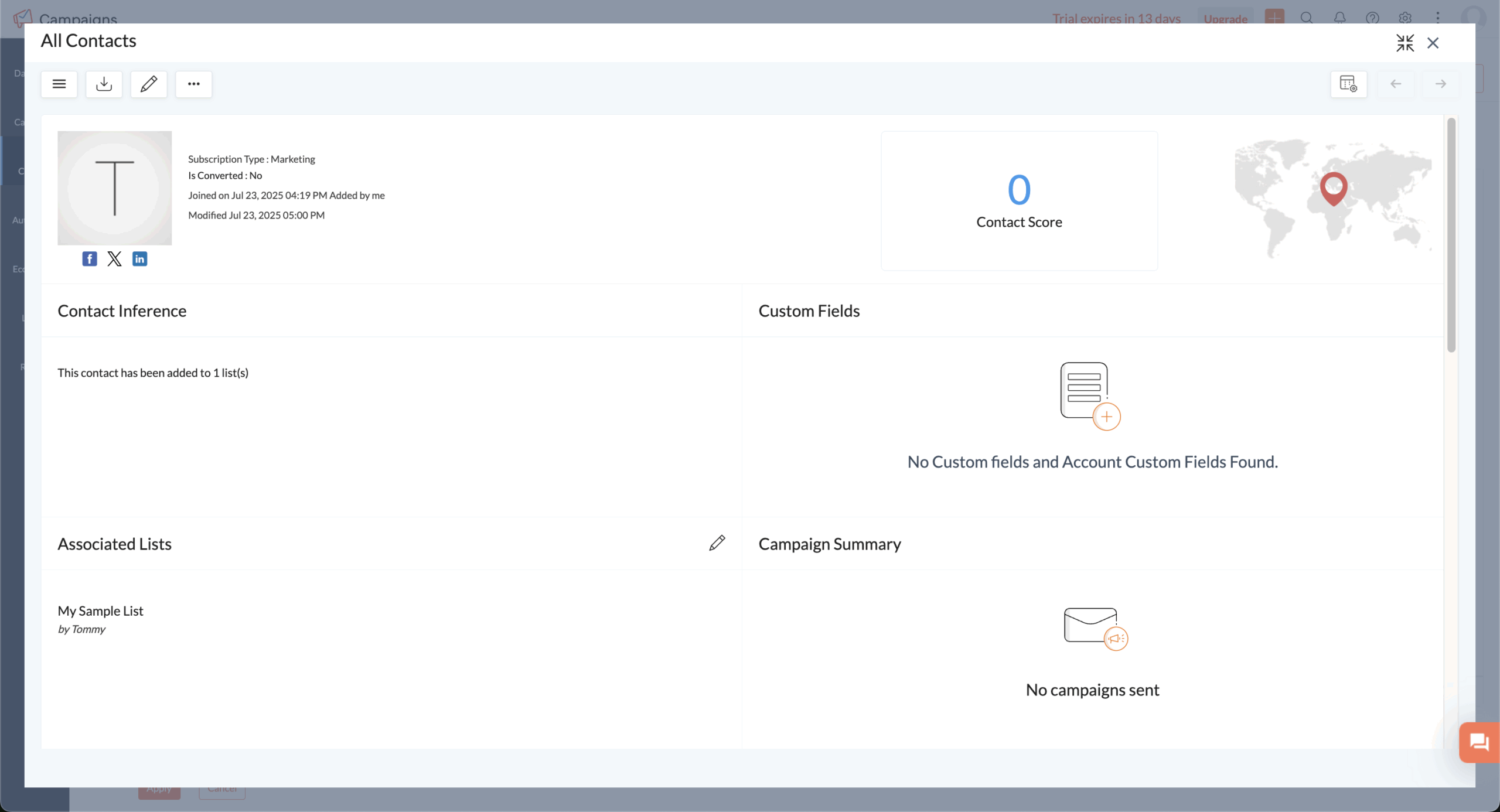
Contact management feels solid with good segmentation based on demographics, behavior, and engagement. List imports work smoothly from various sources, and the organization tools help keep your subscriber data clean.
The CRM integration is where this really shines. If you’re using both platforms, contact data syncs automatically. No more manual exports or wondering if your email list matches your customer database.
List hygiene features handle bounces and unsubscribes automatically, plus there are compliance tools for GDPR and CAN-SPAM. Nothing fancy, but it covers what most businesses need.
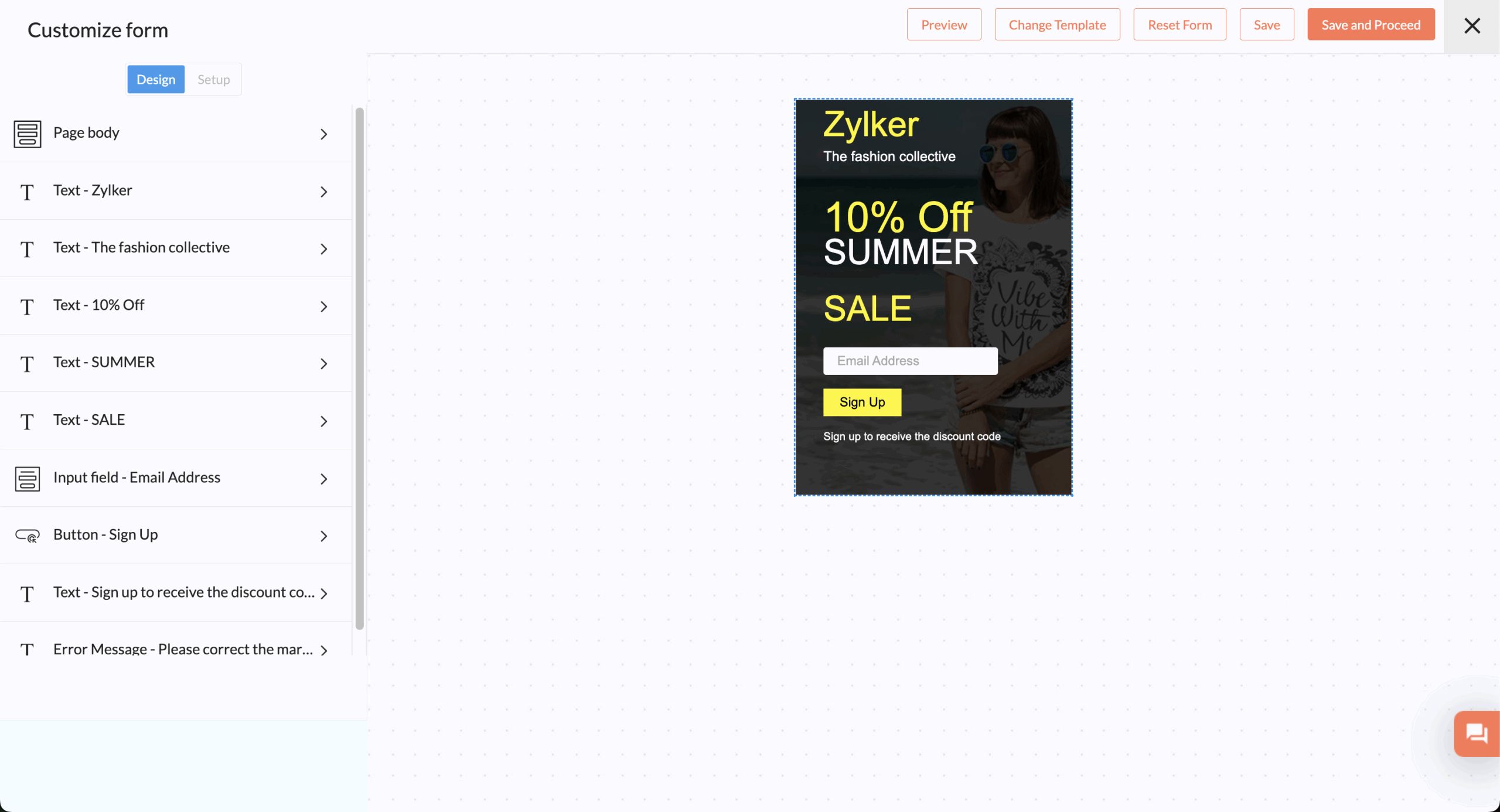
The landing page builder provides basic functionality for opt-in forms and simple pages. These connect directly to your contact management, automatically adding subscribers to the right lists. Forms support double opt-in if you need it for compliance.
But the creation tools are pretty limited compared to dedicated landing page builders. The design options feel restrictive if you want sophisticated lead capture pages.
For simple email capture, it works fine. For complex funnels or design-heavy pages, you’ll probably want dedicated tools.
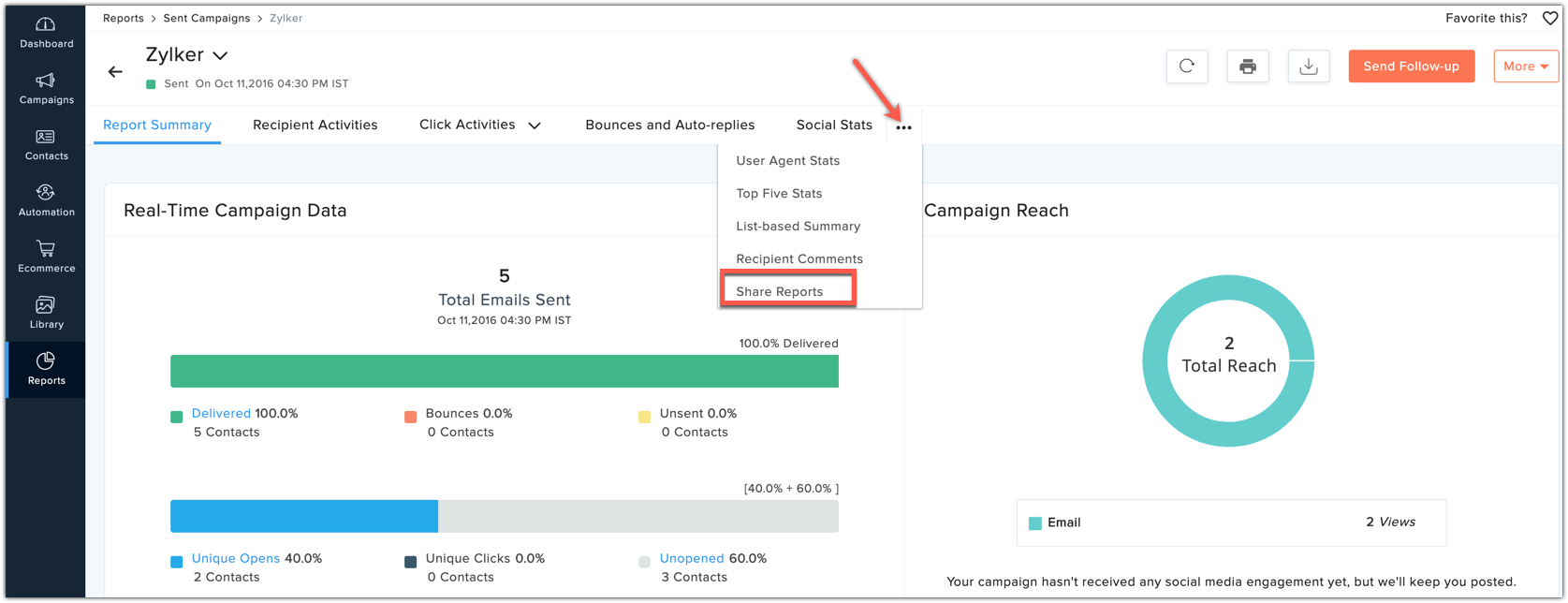
The dashboard shows standard email metrics: opens, clicks, bounces, unsubscribes. Real-time reporting lets you watch campaign performance as emails go out. The CRM integration adds sales data, so you can see which campaigns actually generate revenue.
Users appreciate the performance tracking but note that reporting features are “basic with limited real-time insights.” It covers essential metrics well but lacks the deep analysis that sophisticated marketers expect.
For tracking basic campaign performance, it’s adequate. For detailed audience analysis, you might find it lacking.
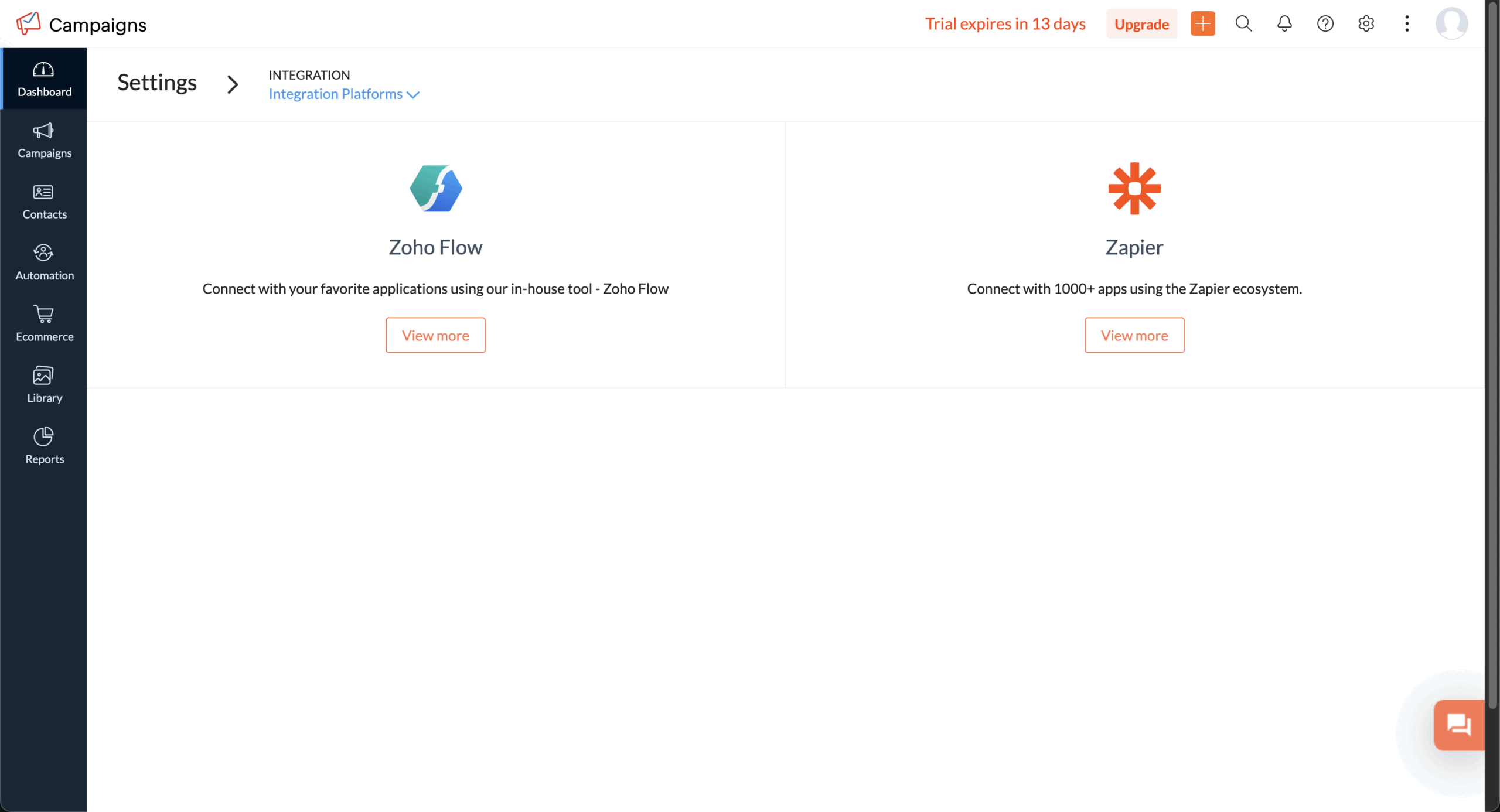
Zoho Campaigns connects beautifully with other Zoho tools — that’s its biggest strength. The CRM integration eliminates data silos and enables smooth lead nurturing.
For third-party connections, it links with Google Analytics, social platforms, and various e-commerce systems. API support allows custom integrations, though you’ll need technical expertise to implement them.
The experience varies dramatically depending on whether you stay within Zoho’s ecosystem or venture outside. Zoho-to-Zoho integrations work seamlessly; third-party connections sometimes need more work.
Support quality gets mixed reviews. Some users love it: “the live chat on the site is quick and helpful.” Others report frustrations with response times and support quality.
You get email, live chat, and phone support depending on your plan. The knowledge base is comprehensive, and many people find what they need through self-service.
Support seems to vary by region and plan level. Higher-tier customers generally get better service, while free users have limited options.
Zoho Campaigns Pricing Plans and Value
Price
Contacts
Monthly Emails
Key Features
Free
$0
Up to 2,000
6,000 total
Basic templates, reports, compliance tools
Standard
$3-$49/month
500-10,000
Unlimited
Advanced templates, A/B testing, segmentation
Professional
$4.50-$302/month
500-100,000+
Unlimited
Automation workflows, advanced analytics, approval workflow
Pricing scales with contact count, making it affordable for small businesses. Users consistently praise the cost-effectiveness compared to Mailchimp or ActiveCampaign. The forever-free plan includes enough functionality for basic needs.
Annual subscriptions get a 25% discount, making it even more budget-friendly. For businesses with over 100,000 contacts, custom enterprise pricing kicks in.
Zoho Campaigns Pros and Cons
- Great integration with Zoho ecosystem
- Affordable pricing across all plans
- User-friendly interface
- Strong compliance features
- Good support resources
- Deliverability can be hit-or-miss
- Limited advanced automation
- Basic landing page tools
- Template design feels dated
- No A/B testing for email content
Pros
Cost-effectiveness stands out as the main selling point. Users consistently mention the affordable pricing and transparent fees. One reviewer noted: “The cost is very affordable and if I need more functionality I just paid separately for another Zoho tool.”
Integration within the Zoho ecosystem provides seamless data flow between marketing, sales, and customer service. This eliminates the export-import headaches that plague businesses using multiple platforms from different vendors.
The user-friendly interface makes campaign creation accessible to non-technical users. Compliance tools help businesses stay on the right side of email regulations without much effort.
Cons
Deliverability issues represent the biggest concern. Multiple reviews mention emails landing in spam folders: “The bad thing is that it is still considered by many servers as spam.” For a core email marketing function, this is pretty concerning.
Limited automation capabilities frustrate users needing sophisticated workflows. The automation builder lacks the intuitive design found in specialized platforms. Template design options feel restrictive for businesses prioritizing email aesthetics.
The absence of A/B testing for email content (only subject lines) limits optimization opportunities that many marketers expect these days.

Should You Choose Zoho Campaigns?
Best For
Not Recommended For
Current Zoho ecosystem users
Companies needing top-tier deliverability
Budget-conscious small businesses
Advanced automation requirements
Simple email marketing needs
Design-focused campaigns
Companies wanting CRM integration
Complex behavioral targeting
Who Zoho Campaigns is Perfect For
Small to medium businesses already using Zoho CRM will love the integration benefits. The seamless data flow between platforms eliminates manual work and provides better customer insights.
Budget-conscious startups appreciate the generous free plan and affordable paid tiers. The platform covers essential email marketing without the premium pricing of specialized tools.
Businesses with straightforward needs — newsletters, promotions, basic automation — will find Zoho Campaigns covers all the bases adequately.
Who Should Consider an Alternative
Companies where email deliverability directly impacts revenue should carefully consider the documented concerns. E-commerce businesses dependent on email performance might need more reliable inbox placement.
Marketing teams requiring advanced automation will feel constrained by the basic workflow capabilities. The features work for simple sequences but lack sophistication for complex customer journeys.
Design-focused brands wanting stunning email campaigns will find the template options and customization tools limiting compared to design-centric platforms.
Zoho Campaigns User Experience and Reputation

G2 users particularly appreciate the tight integration with other Zoho apps and the affordable pricing. Many reviewers highlight how the CRM integration eliminates data management headaches common with other platforms.
However, users consistently mention deliverability challenges and limitations in the automation builder. The template editor gets mixed reviews — some find it easy while others struggle with formatting issues.
Overall, G2 reviewers recommend Zoho Campaigns for businesses prioritizing cost-effectiveness and ecosystem integration over cutting-edge features.
Capterra users emphasize the user-friendly interface and comprehensive features for the price point. Many switched from more expensive platforms, citing cost savings as the primary driver.Customer support quality receives positive mentions, with users praising responsive live chat and helpful documentation. Some note that the pricing structure can become complex as subscriber lists grow.Integration capabilities beyond Zoho get mixed feedback, with some users wanting better third-party connections.
Trustpilot reviewers focus heavily on cost-effectiveness and ease of use. The platform appeals to businesses that found other email marketing tools too expensive or complex.
Users appreciate the straightforward campaign creation and reliable delivery for basic campaigns. However, automation limitations frustrate those trying to create sophisticated nurturing sequences.
The learning curve for advanced features gets mentions, with some noting that understanding the full functionality takes time.
Zoho Campaigns Alternatives
Zoho Campaigns is one of the most affordable email marketing tools, with a Forever Free plan for 2,000 contacts and 6,000 emails a month, paid plans from $4 a month ($3 billed annually) for 500 contacts with unlimited emails, and native integration with Zoho CRM. But its biggest advantage depends on using other Zoho apps, its templates feel less modern than newer tools, and features like dynamic content and advanced workflows sit on the higher Professional plan. These five alternatives cover the most common reasons people switch.
Mailchimp: best for templates and integrations
Mailchimp makes sense if design quality and a large app ecosystem matter more than staying inside Zoho. It offers a bigger, more modern template library, stronger behavioral triggers and segmentation, and one of the largest integration libraries in email marketing. The trade-off is cost: its free plan covers only 250 contacts and 500 emails a month, far less than Zoho’s, its prices climb steeply as your list grows, and it bills for unsubscribed contacts too. Read our full Mailchimp review.
ActiveCampaign: best for advanced automation
ActiveCampaign suits marketers who need more sophisticated automation than Zoho Campaigns offers. It provides complex conditional logic, behavioral tracking, detailed customer journey mapping, CRM and lead scoring, and connects with a broad range of third-party tools. The trade-off is that it has no free plan, takes longer to learn than Zoho’s straightforward interface, and becomes considerably more expensive at scale. Read our full ActiveCampaign review.
Sender: best for a bigger free plan with automation
Sender suits small businesses that want more room on a free plan and a more modern editor. Its free plan covers 2,500 subscribers and 15,000 emails a month, compared with Zoho’s 2,000 contacts and 6,000 emails, with automation, segmentation and contemporary templates included, plus SMS on paid plans. The trade-off is that Sender doesn’t connect to Zoho CRM as deeply as Zoho Campaigns does, so businesses built around the Zoho suite lose that native data sync. Read our full Sender review.
HubSpot: best for a different CRM ecosystem
HubSpot is the one to pick if you want marketing tied closely to a CRM, just not Zoho’s. It combines a free CRM with marketing, sales and service hubs that share the same customer data, plus an integration library of 1,500+ apps. The trade-off is cost at the next level, with Marketing Hub Professional at $890 a month plus a $3,000 onboarding fee, and moving away from Zoho means migrating your whole CRM, not just your email tool. Read our full HubSpot review.
Brevo: best for affordable all-in-one marketing
Brevo makes sense if you like Zoho’s low prices and built-in CRM but want more channels. It combines email, SMS, WhatsApp, transactional email and a basic CRM, charges by emails sent rather than contacts, and its free plan stores up to 100,000 contacts. The trade-off is that the free plan caps you at 300 emails a day, automation and A/B testing require its Standard plan, and Brevo branding stays on free and Starter emails. Read our full Brevo review.
Which alternative should you choose?
Pick based on what’s pushing you away from Zoho Campaigns:
- Want more modern templates and integrations: Mailchimp
- Need advanced automation: ActiveCampaign
- Want a bigger free plan with automation: Sender
- Prefer a different CRM ecosystem: HubSpot
- Want low prices with more channels: Brevo
Bottom Line
Zoho Campaigns works best as part of the larger Zoho ecosystem rather than a standalone email marketing powerhouse. If you’re already using Zoho CRM or other tools, the seamless integration and unified pricing make it an obvious choice.
For businesses prioritizing cost-effectiveness over cutting-edge features, Zoho delivers solid value. It covers essential email marketing — campaign creation, basic automation, analytics — without premium pricing.
However, deliverability concerns and limited advanced features prevent it from competing with dedicated platforms. Companies where email performance directly impacts revenue or those needing sophisticated automation should probably look elsewhere. It’s a practical choice rather than an exciting one — and sometimes that’s exactly what businesses need.
Who's behind these reviews?

- Hands-on testing across multiple email marketing tools
- Fair comparisons using a unified evaluation process
- Insights verified with real user reviews from trusted sources
- No sponsorships or affiliate ties
- Clear, unbiased scoring and methodology